






A slow WordPress website costs your business money every single second a user waits for your pages to render. Modern web visitors expect pages to load in under two seconds. If your site drags beyond three seconds, bounce rates skyrocket, conversion rates plummet, and search engines like Google demote your organic rankings.
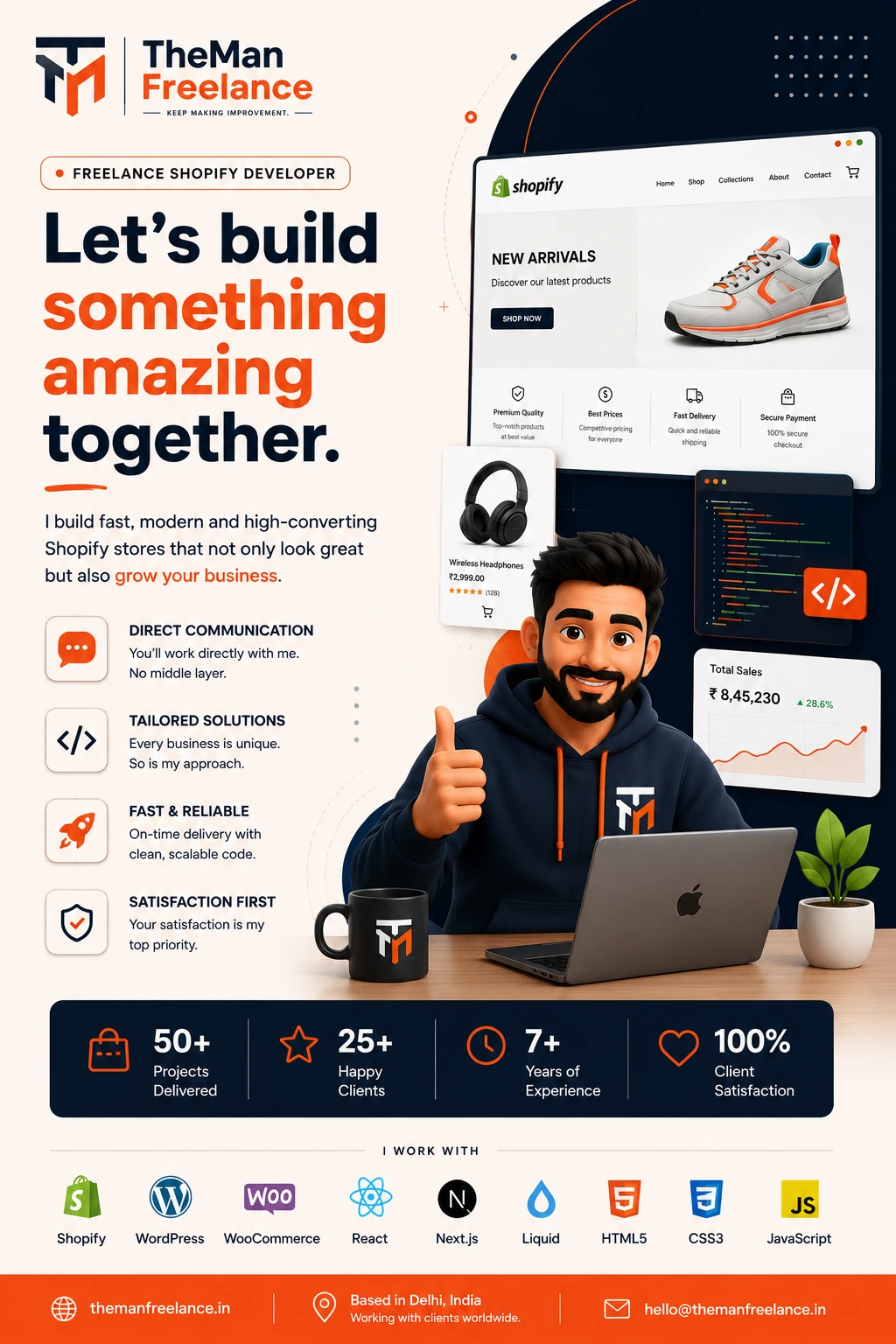
Hi, I am Hemant, founder of Theman Freelance. Over the past 7+ years, I have worked directly on more than 150+ WordPress projects—building, customizing, repairing, and accelerating complex sites. I have watched site owners throw hundreds of dollars at premium plugins hoping for a quick fix, only to discover their Google PageSpeed Insights scores barely moved. True WordPress website speed optimization requires more than installing an automated caching plugin; it demands a systematic approach to server setup, asset management, script execution, and database maintenance.
Whether you manage an editorial blog, run a high-traffic D2C brand, or handle client sites at an agency, this comprehensive guide will walk you through the exact technical strategies required to solve severe WordPress performance issues and build a lightning-fast digital asset.
Core Concepts & Key Performance Challenges
To fix performance bottlenecks, you must first understand what slows down a site and how performance is measured today. Search engines no longer judge site speed solely on raw load time. Instead, Google evaluates user experience using WordPress Core Web Vitals, a set of specific metrics measuring loading, interactivity, and visual stability:
- Largest Contentful Paint (LCP): Measures how fast the primary content (hero image or heading text) renders on screen. Target: under 2.5 seconds.
- Interaction to Next Paint (INP): Measures overall page responsiveness when users tap, click, or type. Target: under 200 milliseconds.
- Cumulative Layout Shift (CLS): Measures unexpected layout movement as visual elements load asynchronously. Target: score below 0.1.
Different types of websites experience distinct performance hurdles. WooCommerce store owners often fight slow checkout funnels caused by uncacheable dynamic requests like wc-ajax=get_refreshed_fragments and bloated database tables. Bloggers and media brands battle heavy ad tags, oversized feature images, and external tracking pixels. Agencies and small businesses frequently face themes packed with visual page builders that inject thousands of lines of unused CSS and JavaScript into every page header.
Addressing these challenges requires diagnosing root causes rather than treating superficial symptoms.
Service Guarantees & Key Highlights
Custom Shopify Store Development
Build a custom Shopify store tailored to your products, brand identity, customer journey and eCommerce requirements. If Shopify is the right fit for your business, my freelance Shopify development service covers custom storefronts, theme work, integrations and performance improvements.
Shopify Theme Customization
Customize your Shopify theme with improved layouts, branded components and functionality designed around your store.
Shopify Liquid Development
Develop custom Shopify Liquid templates, sections and components for functionality beyond standard theme settings.
Shopify 2.0 Development
Build flexible Shopify Online Store 2.0 experiences using sections, templates and dynamic content for easier store management.
Shopify Store Redesign
Modernize an outdated Shopify store with improved visual design, navigation, mobile experience and conversion-focused UX.
Custom Sections & Blocks
Create reusable Shopify sections and blocks that give your team greater control over homepage, landing pages and product content.
Shopify Metafields & Metaobjects
Use Shopify metafields and metaobjects to create structured, dynamic product, collection and brand content.
Product Page Optimization
Improve Shopify product pages with better product information, media, variants, trust elements and conversion-focused layouts.
Collection & Navigation Optimization
Improve collections, menus, filters and product discovery so customers can find relevant products faster.
Shopify App & API Integrations
Connect Shopify with apps, external platforms and APIs to automate workflows and extend your store's functionality.
Custom Shopify Functionality
Develop custom Shopify features when existing themes or apps cannot provide the exact functionality your business needs.
Mobile-First Responsive Design
Create responsive Shopify storefronts that deliver a consistent and easy shopping experience across mobile, tablet and desktop.
Shopify SEO Optimization
Improve Shopify technical SEO, site structure, metadata, internal linking and product visibility for organic search.
Store Speed & Performance Optimization
Improve Shopify store performance by optimizing theme code, images, scripts and third-party app impact.
Conversion-Focused eCommerce UX
Improve the shopping journey through better product discovery, page layouts, trust signals and friction-free customer experiences.
Shopify Migration & Setup
Move your eCommerce business to Shopify with structured store setup, product migration and essential configuration.
Shopify Maintenance & Technical Support
Keep your Shopify store reliable with ongoing updates, troubleshooting, improvements and technical development support.
Deep-Dive Technical Strategies for Maximum Speed
Achieving top-tier scores requires targeted execution across four primary infrastructure layers: hosting, assets, code execution, and database management.
1. Server Performance and Hosting Architecture
No amount of plugin tweaking can rescue a site sitting on slow, over-subscribed shared hosting. If your server takes 1.5 seconds just to process Time to First Byte (TTFB), your performance budget is exhausted before rendering even begins.
- Upgrade to Managed Hosting: Move to specialized managed WordPress hosts or cloud platforms (such as LiteSpeed Enterprise or Nginx servers with dedicated PHP worker processes).
- Update PHP Version: Running your site on PHP 8.2 or 8.3 delivers up to 30% faster execution compared to legacy PHP 7.4.
- Implement Object Caching: Enable persistent memory caching via Redis or Memcached to store database queries in RAM, dramatically reducing database load times on dynamic pages.
2. Image and Media Optimization
Images account for over 50% of total payload size on average web pages. Optimizing visual assets is the fastest way to improve WordPress loading speed.
- Convert to Next-Gen Formats: Serve images in modern formats like WebP or AVIF, which reduce file sizes by 30% to 50% without quality loss.
- Implement Native Lazy Loading: Ensure images below the fold load asynchronously, while explicitly excluding your main LCP hero image from lazy loading to accelerate initial view rendering.
- Define Explicit Dimensions: Always specify
widthandheightattributes on image tags to reserve space on screen and prevent visual layout shifts (CLS).
3. CSS and JavaScript Optimization
Unoptimized scripts block the main thread of your user’s browser, spiking your INP scores and freezing interactive buttons.
- Remove Unused CSS: Extract critical CSS required for above-the-fold content and defer non-critical style sheets using tools like Perfmatters or FlyingPress.
- Defer JavaScript Execution: Add
deferorasyncattributes to non-essential scripts, delaying their execution until after main HTML parsing completes. - Delay Third-Party Scripts: Defer heavy tracking scripts (Google Tag Manager, Meta Pixel, live chat widgets) until user interaction occurs (e.g., mouse movement or scroll).
4. Caching Systems & CDN Implementation
Delivering static files from server nodes closer to your site visitors drastically reduces latency.
- Page Caching: Serve pre-rendered HTML files directly to logged-out users to skip heavy PHP code execution completely.
- Content Delivery Networks (CDNs): Use edge computing setups like Cloudflare Enterprise or BunnyCDN to cache static assets across worldwide data centers. Edge page rules can serve cached HTML globally within milliseconds.
WooCommerce Optimization, Font Tuning, & Speed Checklist
Optimizing WooCommerce Performance
eCommerce sites require custom performance strategies because user shopping carts, dynamic pricing, and checkout funnels cannot be cached using standard static page rules.
- Disable Cart Fragments: Disable AJAX cart fragment requests on non-eCommerce pages to eliminate unnecessary server calls across your blog posts and homepage.
- Optimize High-Traffic DB Tables: Clean up transients, expired sessions, and WooCommerce order action logs (
wp_woocommerce_downloadable_product_permissionsandwp_options). - Use High-Performance Order Storage (HPOS): Enable HPOS in WooCommerce to move order data into dedicated, indexed database tables rather than standard post tables.
Typography & Local Font Hosting
External Google Fonts calls create extra DNS lookups and render-blocking delays. Self-host your font files locally in WOFF2 format, and apply font-display: swap in your stylesheet so text remains visible while custom fonts finish downloading.
Technical Speed Optimization Checklist
Use this reference checklist during your next WordPress performance optimization audit:
- [ ] Upgrade server environment to PHP 8.2+ with Redis object caching enabled.
- [ ] Benchmark site performance using Google PageSpeed Insights and WebPageTest.
- [ ] Replace unoptimized PNG/JPEG files with auto-converted WebP/AVIF formats.
- [ ] Disable unused plugins and remove inactive themes from your WordPress dashboard.
- [ ] Configure page caching via server-level modules (LiteSpeed/Nginx) or top-tier plugins.
- [ ] Defer render-blocking JS files and inline critical CSS for above-the-fold content.
- [ ] Preload hero LCP images and self-host fonts using local WOFF2 files.
- [ ] Implement Cloudflare Enterprise or a global CDN with full-page edge caching.
- [ ] Defer Google Tag Manager, Meta Pixel, and third-party chat scripts until user touch.
- [ ] Clean up database options, post revisions, and transient records.
When to Hire a Specialist
If you have installed caching plugins but still struggle with poor INP scores, severe LCP delays, broken page builders, or database slow-query bottlenecks, it is time to work with a dedicated technical expert. Complex custom setups, API integrations, and heavily modified WooCommerce setups often require custom backend optimization rather than one-size-fits-all plugins.
Real-World Before-and-After Optimization Examples
Here are actual outcomes achieved on client projects delivered by Theman Freelance using these exact methodologies:
Case 1: D2C WooCommerce Apparel Brand
- The Challenge: A WooCommerce store carrying over 3,000 SKUs suffered from severe mobile performance drops (LCP: 6.8s, INP: 420ms) and high cart abandonment. The site was hampered by 48 active plugins and unmanaged dynamic queries.
- The Fix: Migrated the client to dedicated cloud hosting running PHP 8.2 and Redis, cleaned 14GB of overhead out of the
wp_optionstable, disabled non-critical cart fragments, deferred third-party marketing tags, and deployed Cloudflare Enterprise. - The Result: Mobile PageSpeed score climbed from 24 to 96. Mobile LCP dropped from 6.8 seconds to 1.1 seconds, generating a 23% immediate boost in checkout completion rates within the first month.
Case 2: Content Publisher & B2B Lead Gen Portal
- The Challenge: A publisher generating 500,000 monthly visits failed Google’s Core Web Vitals assessment due to extreme layout shifts (CLS: 0.38) caused by delayed font loading and dynamic ad insertions.
- The Fix: Self-hosted WOFF2 fonts, set explicit dimension constraints across content wrappers, preloaded hero assets, and reorganized critical CSS pathways.
- The Result: CLS dropped to 0.01, LCP improved to 1.4s, and the site fully passed Google Core Web Vitals across both mobile and desktop views, resulting in an organic traffic increase over the subsequent quarter.
Actionable Takeaways & Next Steps
WordPress website optimization is not a one-time task; it is an ongoing practice. Fast sites attract more traffic, keep users engaged, and convert visitors into paying customers at significantly higher rates.
Start your optimization journey today by following these straightforward steps:
- Measure your current baselines across mobile and desktop using Google PageSpeed Insights.
- Audit your existing plugin stack and delete any active plugin that does not add direct business value.
- Optimize your media catalog by setting up automated WebP conversion and defining image dimensions.
- Deploy server-level caching alongside an integrated edge CDN setup.
If your business relies on high-speed web infrastructure and you want to skip trial-and-error troubleshooting, let us handle the technical execution directly. At Theman Freelance, you work straight with me—Hemant—leveraging 7+ years of dedicated experience to transform your sluggish platform into a lightning-fast enterprise asset. Explore tailored solutions and get in touch today to discuss your project speed targets.