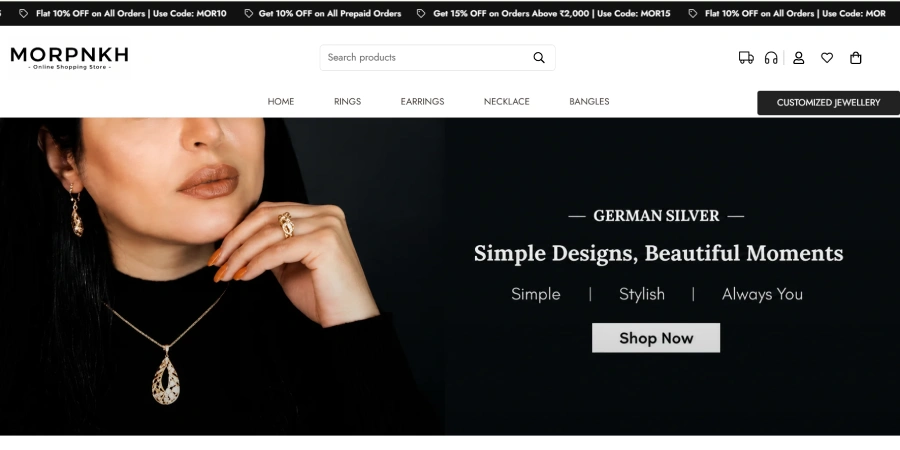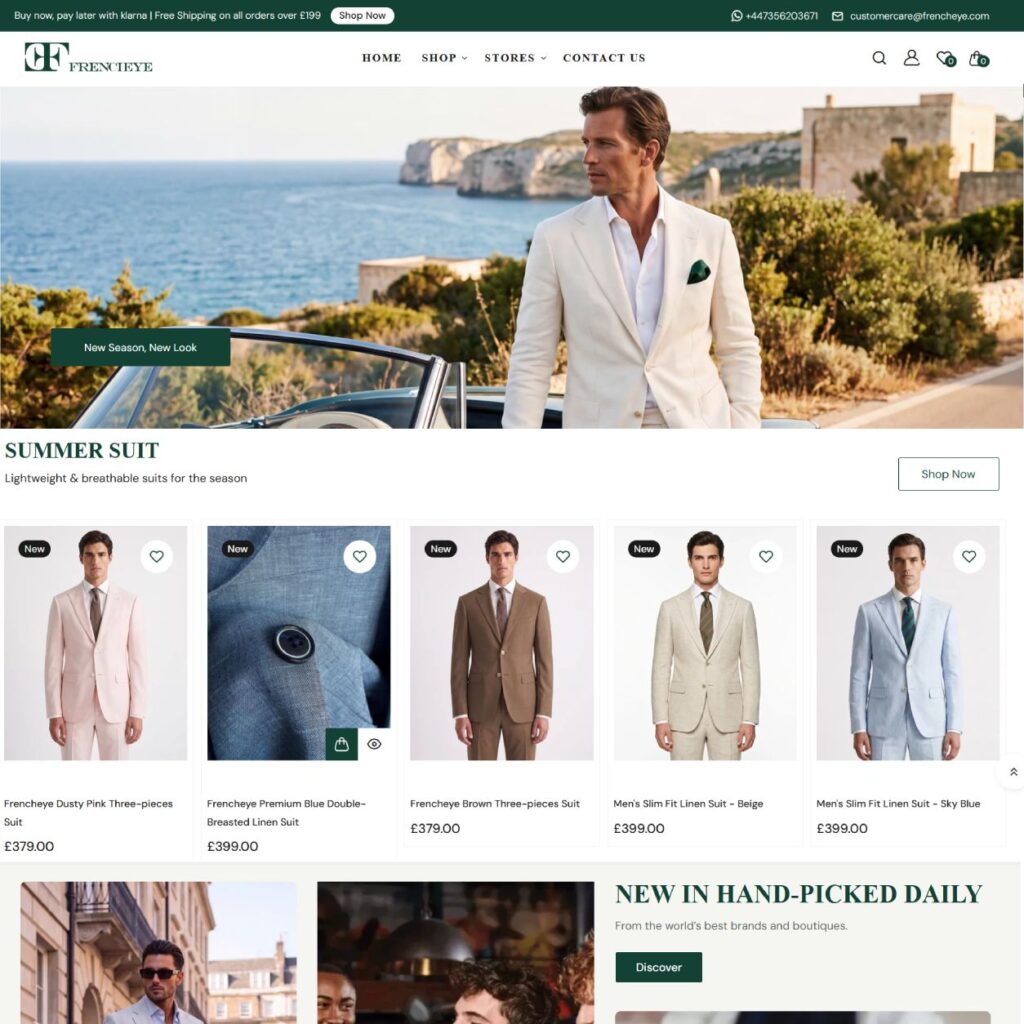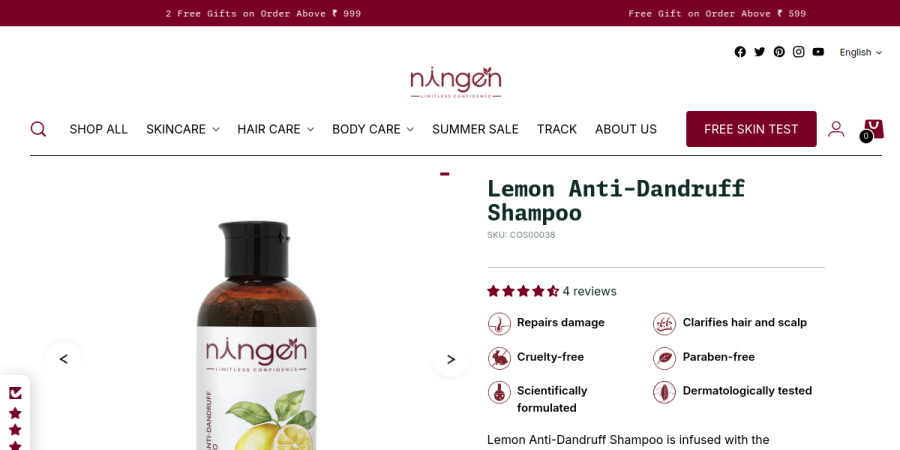







When you launch an online store, picking a ready-made theme from the Shopify Theme Store feels like a massive win. You upload your logo, tweak the primary colors, add a hero banner, and publish your catalog. But as your D2C brand grows, you inevitably run into walls. You want a dynamic size chart popup on specific apparel items, a custom upsell drawer inside your cart, or a pixel-perfect design that reflects your exact Figma mockups. Suddenly, the drag-and-drop customizer isn’t enough.
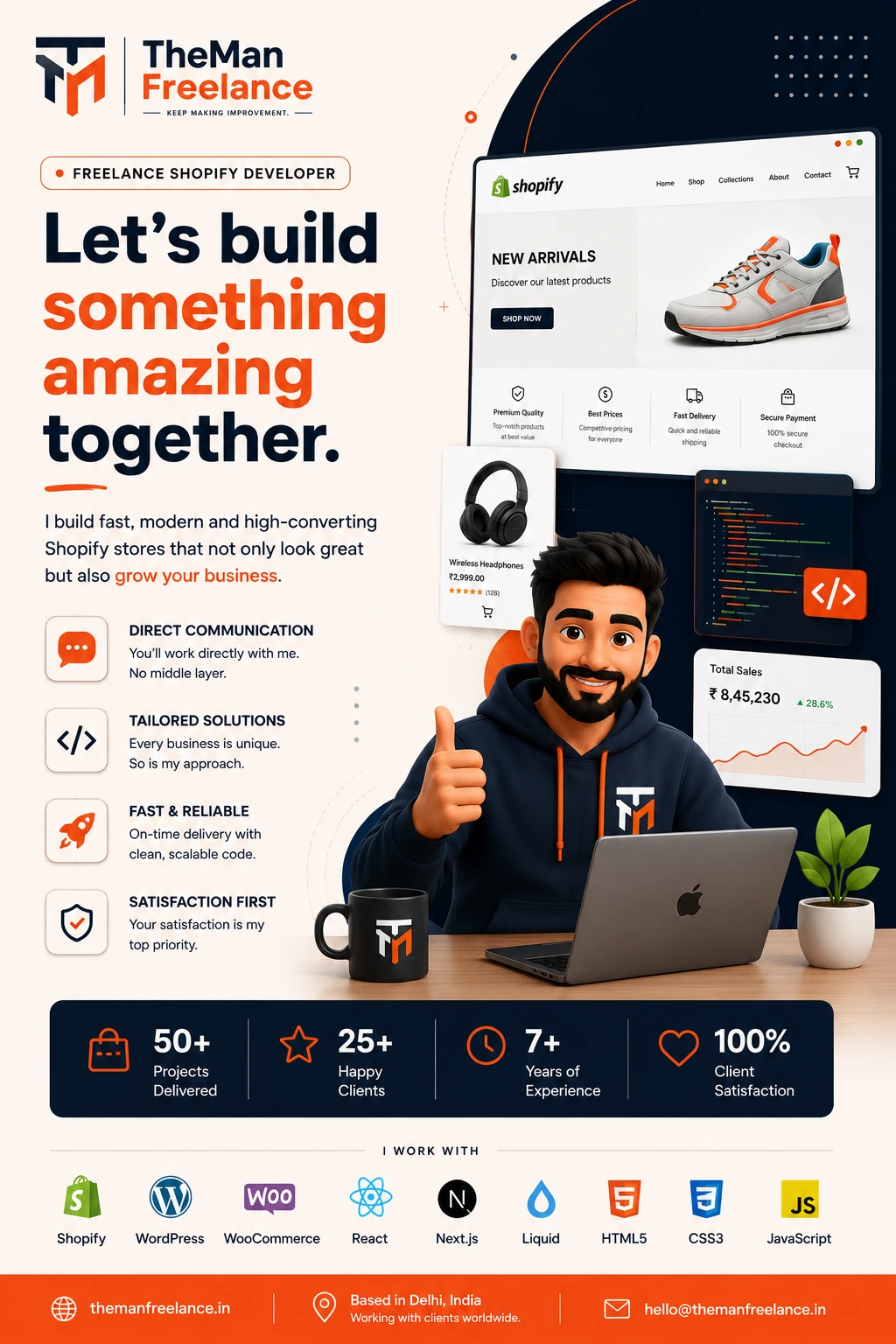
This is where real Shopify theme customization enters the picture. As an independent Shopify developer running Theman Freelance, I have spent over 7 years working directly with store owners, D2C brands, and agencies on more than 150 completed web projects. A recurring question I answer for merchants is straightforward: ‘What can a developer actually customize in my Shopify theme without breaking the platform?’
The short answer? Virtually everything on the frontend and much of the data logic beneath it. In this detailed guide, we will break down the boundaries between standard theme editing and developer-level customization, outlining exactly what is possible when you work directly with an experienced Shopify Liquid developer.
The Fundamental Difference: Shopify Theme Editor vs Developer Customization
To understand what can be modified, it helps to distinguish between native merchant customization and developer-level code engineering.
Native Theme Customization (No Code)
Shopify’s built-in Theme Editor allows merchants to adjust pre-coded settings created by the original theme authors. You can hide or show existing sections, upload images, alter global typography, and configure basic block arrangements. However, you are strictly constrained by what the theme creator built into that specific theme’s schema.
Developer-Level Customization (Custom Code)
When you hire a Shopify theme developer, those built-in boundaries vanish. A developer opens the theme’s underlying source files—written in Liquid, JSON, HTML, CSS, JavaScript, and GraphQL. Instead of working within pre-set toggles, a developer alters the logic, styling, and structural behavior of your store.
Whether you are using a free theme like Dawn or a feature-packed premium theme like Impulse or Prestige, a skilled practitioner can refactor existing code, create entirely new section architecture, and connect external data streams tailored to your precise sales strategy.
Service Guarantees & Key Highlights
Custom Shopify Store Development
Build a custom Shopify store tailored to your products, brand identity, customer journey and eCommerce requirements. If Shopify is the right fit for your business, my freelance Shopify development service covers custom storefronts, theme work, integrations and performance improvements.
Shopify Theme Customization
Customize your Shopify theme with improved layouts, branded components and functionality designed around your store.
Shopify Liquid Development
Develop custom Shopify Liquid templates, sections and components for functionality beyond standard theme settings.
Shopify 2.0 Development
Build flexible Shopify Online Store 2.0 experiences using sections, templates and dynamic content for easier store management.
Shopify Store Redesign
Modernize an outdated Shopify store with improved visual design, navigation, mobile experience and conversion-focused UX.
Custom Sections & Blocks
Create reusable Shopify sections and blocks that give your team greater control over homepage, landing pages and product content.
Shopify Metafields & Metaobjects
Use Shopify metafields and metaobjects to create structured, dynamic product, collection and brand content.
Product Page Optimization
Improve Shopify product pages with better product information, media, variants, trust elements and conversion-focused layouts.
Collection & Navigation Optimization
Improve collections, menus, filters and product discovery so customers can find relevant products faster.
Shopify App & API Integrations
Connect Shopify with apps, external platforms and APIs to automate workflows and extend your store's functionality.
Custom Shopify Functionality
Develop custom Shopify features when existing themes or apps cannot provide the exact functionality your business needs.
Mobile-First Responsive Design
Create responsive Shopify storefronts that deliver a consistent and easy shopping experience across mobile, tablet and desktop.
Shopify SEO Optimization
Improve Shopify technical SEO, site structure, metadata, internal linking and product visibility for organic search.
Store Speed & Performance Optimization
Improve Shopify store performance by optimizing theme code, images, scripts and third-party app impact.
Conversion-Focused eCommerce UX
Improve the shopping journey through better product discovery, page layouts, trust signals and friction-free customer experiences.
Shopify Migration & Setup
Move your eCommerce business to Shopify with structured store setup, product migration and essential configuration.
Shopify Maintenance & Technical Support
Keep your Shopify store reliable with ongoing updates, troubleshooting, improvements and technical development support.
Core Structural Capabilities: What a Developer Can Build
When merchants ask for a complete Shopify store customization, they often don’t realize how granular a developer can get. Here is a comprehensive breakdown of the core components a expert developer can alter or build from scratch.
1. Shopify 2.0 Custom Sections and Blocks
Since the rollout of Shopify Online Store 2.0, themes rely heavily on JSON templates. A developer can build custom, fully modular Shopify custom sections that you can reuse across any page in your admin panel. Rather than hardcoding static content, we build customizable settings directly into your theme admin, allowing you to control text, image uploads, layout direction, and call-to-action buttons without touching code later on.
2. Custom Product Page Layouts (PDP Customization)
Your product detail page is where conversion decisions happen. Generic themes often restrict how product information is presented. Through targeted Shopify product page customization, a developer can implement:
- Dynamic Variant Selectors: Replacing dropdown menus with custom visual color swatches, image-based variant buttons, or tiered pricing grids.
- Bespoke Tab Systems & Accordions: Displaying specs, ingredients, shipping calculators, or washing instructions dynamically based on product tags.
- Personalization Inputs: Adding custom text fields, file upload inputs for custom printing, or gift messaging fields directly linked to line-item properties.
- Sticky Add-to-Cart Bars: Creating floating purchase bars that slide into view as customers scroll down long product descriptions on mobile and desktop.
3. Cart Drawer & Sliding Cart Customization
Relying on a basic cart page often leads to lost sales. Developers frequently build custom AJAX cart drawers directly inside the theme code to boost average order value (AOV) and reduce friction. Key features include:
- Dynamic Free Shipping Progress Bars: Visual indicators showing customers how much more they need to add to their cart to unlock free shipping.
- In-Cart Cross-Sells & Upsells: One-click add-on widgets featuring complementary items, sample add-ons, or warranties.
- Gift Note & Delivery Date Pickers: Native inputs right in the slide-out drawer that feed into the order details.
4. Advanced Collection Pages & Smart Filtering
A successful collection page helps shoppers find what they want in seconds. Through custom Shopify Liquid customization, developers can enhance collection pages with custom visual filter swatches, promotional banners embedded mid-grid, infinite scroll functionality, and quick-view modals that let users select variants and buy without leaving the page.
5. Custom Navigation and Mega Menus
Standard header navigation often limits your menu structure to basic text drop-downs. Developers can code fully custom mega menus that feature featured collection cards, promotional image banners, sub-category tabs, and highlighted sales items right inside the navigation bar.
Data Customization: Metafields and Metaobjects Integration
Customizing design is only half the battle; displaying the right dynamic data is where real e-commerce growth happens. Shopify’s native database structure can be drastically expanded using Metafields and Metaobjects.
Instead of manually editing HTML content on dozens of individual pages, a Shopify developer configures structured custom fields in your admin panel. We then code your theme templates to fetch and render this data dynamically.
- Custom Product Badges: Displaying labels like ‘Eco-Friendly’, ‘Best Seller’, or ‘Pre-Order’ automatically based on backend metafield values.
- Complex Size Guides: Linking unique size chart metaobjects to specific apparel categories.
- Ingredient & Material Profiles: Displaying custom iconography and detailed explanations tailored to individual beauty or jewelry products.
Custom Code vs. Shopify Apps: Protecting Site Performance
A common pitfall for growing Shopify merchants is installing a new monthly app for every minor feature: one app for product tabs, another for sticky add-to-cart buttons, a third for visual swatches, and a fourth for cart upsells. Before long, your store carries 15 third-party app scripts, causing mobile loading times to drop dramatically.
One of the biggest advantages of working with an experienced developer is app elimination. Most common app features can be custom-coded directly into your Shopify theme using clean Liquid, native CSS, and lightweight JavaScript. The result?
- Zero Recurring Monthly Subscription Fees: You own the code completely.
- Faster Page Load Speeds: Eliminating heavy external JavaScript libraries and tracking pixels improves Core Web Vitals.
- Consistent Visual Styling: Features match your site’s exact branding without awkward app popups or misaligned fonts.
Figma-to-Shopify: Translating Bespoke Designs into Live Code
If your team has worked with a UX designer or creative agency to produce custom Figma or Adobe XD mockups, standard theme settings won’t suffice. Achieving a pixel-perfect implementation requires custom Shopify theme development practices.
A skilled developer translates mobile and desktop design files into clean, responsive HTML/CSS and Liquid templates. Every spacing, hover animation, interactive element, and responsive breakout point is tailored precisely to your brand’s style guide.
Real-World Case Examples from Theman Freelance
To demonstrate what tailored code modification looks like in practice, here are two real-world examples from my work at Theman Freelance across 150+ completed client projects:
Case 1: Custom Engraving Preview for a Jewelry Merchant
A high-end jewelry brand required custom text fields for ring and necklace personalization. Relying on an app proved clunky and slowed their product page load times. I coded a custom dynamic Liquid section with lightweight JavaScript that allowed customers to enter custom text, select fonts, and see an instant visual render of the text on the product image—all handled natively without an app subscription.
Case 2: Speed Optimization & Cart Upsell for a D2C Beauty Brand
A fast-growing beauty store was paying over $120/month for multiple apps powering a sticky cart, a gift-with-purchase progress bar, and collection filter swatches. Their mobile speed score was lagging at 32. By refactoring their theme, removing the third-party apps, and building these features directly into their theme codebase using Liquid and AJAX, their PageSpeed score jumped to 84, and their checkout conversion rate increased by 14% due to a faster slide-out cart experience.
Understanding Shopify Theme Customization Cost Factors
When planning your budget, understanding the factors that dictate Shopify theme customization cost is crucial. Price is determined by technical complexity and project scope rather than flat store size:
- Basic Theme Tweaks: Small layout edits, font fixes, and CSS styling adjustments generally require lower developer hours.
- Custom Section Development: Building reusable, custom JSON sections with configurable admin fields requires solid Liquid architecture.
- Full Product Page or Cart Overhauls: Complex logic involving AJAX interactions, metaobjects, and custom bundle logic requires detailed frontend and backend customization.
- Figma to Custom Shopify Theme: Translating complete custom design systems into a bespoke template setup represents a comprehensive project scope.
Because clients communicate directly with me—the actual developer working on their codebase—there is no middleman overhead, project manager delay, or miscommunicated design spec.
Actionable Steps: When Do You Need a Developer?
If you are unsure whether your store needs developer intervention, review this quick checklist:
- Your theme editor toggles cannot achieve the design layout specified in your brand guidelines.
- Your store relies on 10+ apps that slow down mobile performance.
- You need custom data logic displayed on specific products using Metafields or Metaobjects.
- You want a frictionless custom cart drawer with built-in upsells and dynamic progress thresholds.
- You are planning a major brand redesign based on custom Figma mockups.
Transforming a generic theme into a high-converting, custom-tailored online store doesn’t require a costly web agency. With direct support from an experienced specialist, you can customize every detail of your site to match your brand vision.
Ready to elevate your store? Contact Theman Freelance today to discuss your project requirements directly with Hemant and get a straightforward, execution-focused plan for your website.